
Lessons and revision for every level
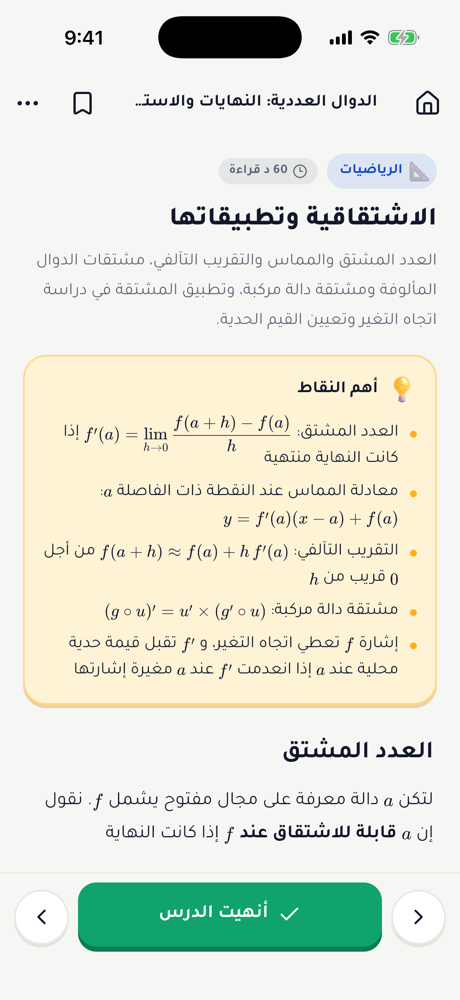
Primary, middle, secondary and university: clear summaries organised by subject, chapter and stream.

Najah brings together lessons, practice, past exam papers and an AI tutor that explains any exercise from a photo — for every level from the first year of primary school to university.
Coming soon to the stores
Built around the Algerian curriculum, from the first day of school to the last university exam.
Primary, middle, secondary and university: clear summaries organised by subject, chapter and stream.
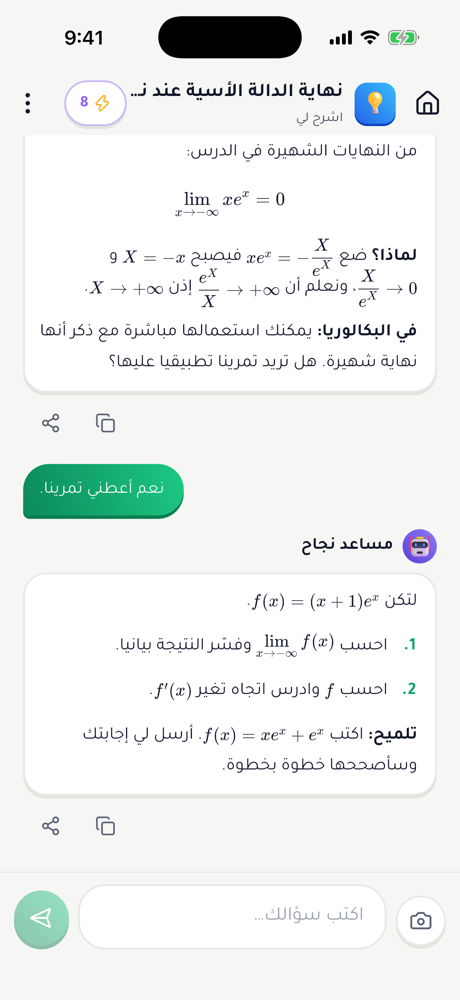
Snap an exercise and get a step-by-step explanation. Free questions every day, and more by watching an ad.
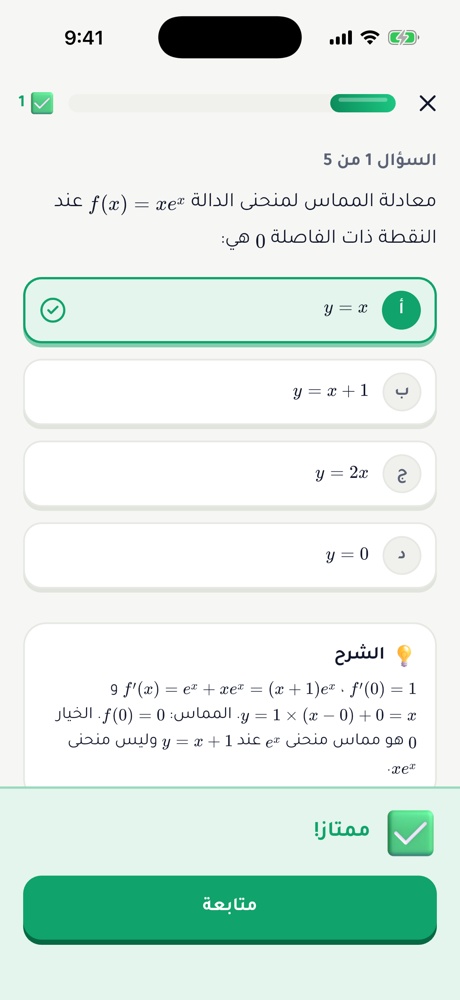
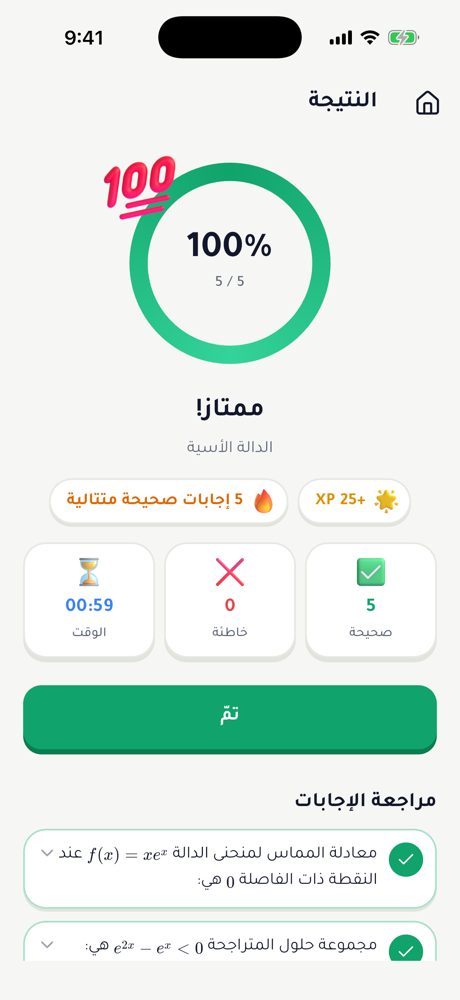
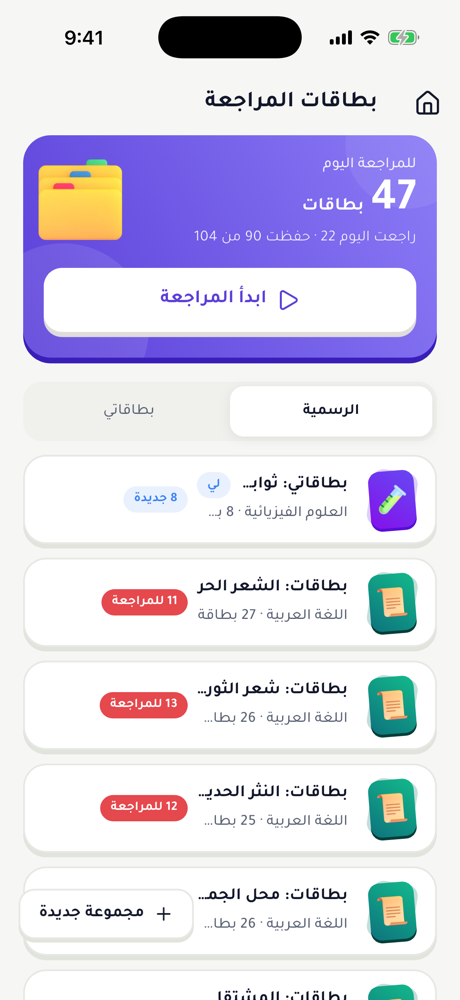
Interactive quizzes with instant feedback, and spaced-repetition flashcards so you never forget.
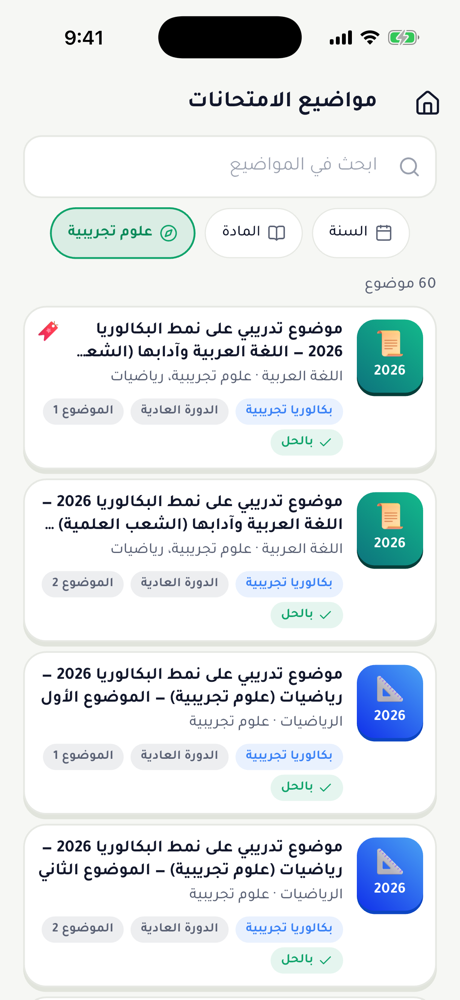
Past papers with solutions, and timed mock exams that feel like the real day.
Work out term, yearly, BAC, BEM and LMD averages, and discover the programmes your average may open.
Ask questions, help others and study with classmates in groups — in a safe, moderated space.
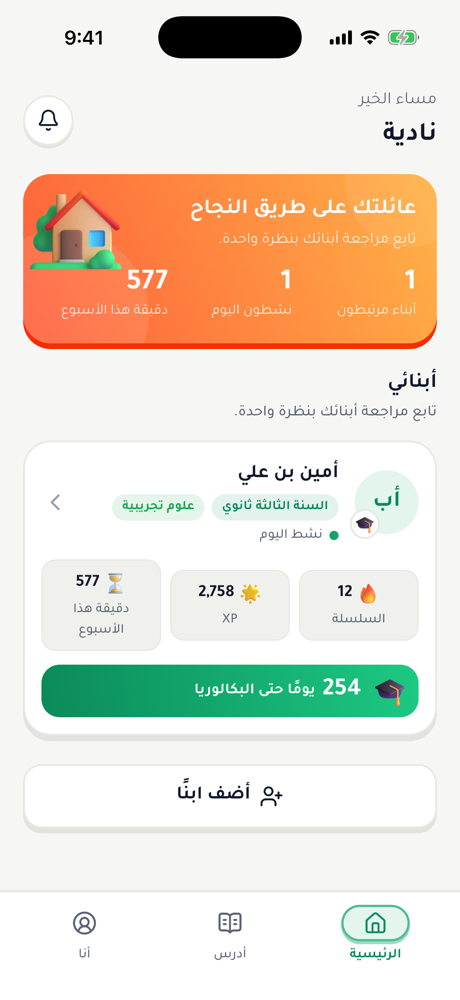
Parents link to their child’s account with a simple code and follow weekly progress.
A directory of tutors by wilaya and subject. Contact them directly — no payments through the app.
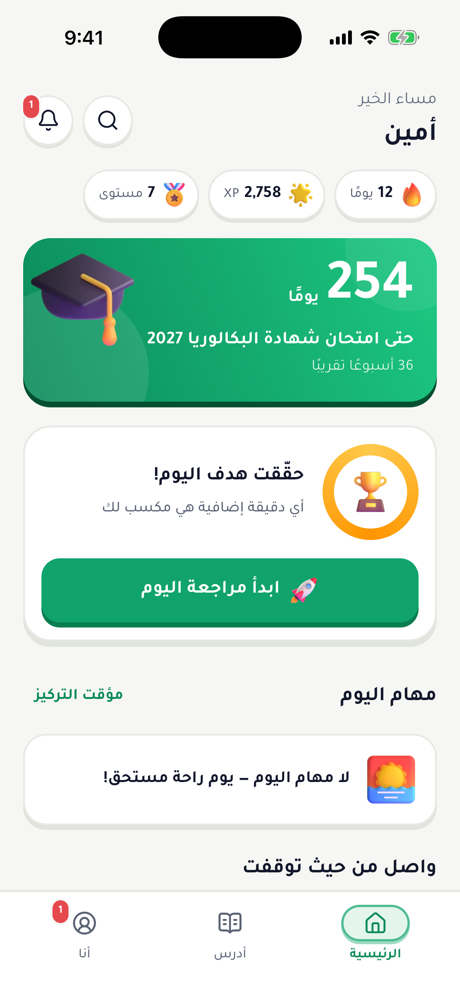
A revision plan up to exam day, a focus timer and reminders for tests and deadlines.
Free on iPhone and Android.
Level, stream and wilaya — just once.
A lesson, a quiz, or ask the AI tutor.
On the sign-in screen tap “Forgot password?” and enter your phone number or email. You will receive a 6-digit code valid for 10 minutes; enter it and choose a new password. If you signed up with Google or Apple you do not need a password — just use the same button to sign in.
On the student account: Me → “Link a parent” shows a 6-character code. On the parent account: Home → Add a child, then enter the code. A parent can follow several children and unlink at any time.
Tap the options button (⋯) on any post, answer, message or profile, then “Report” and pick a reason. You can also “Block” the user so you no longer see their content and they cannot contact you. Moderators review reports within 24 hours.
In the app: Me → Settings/Account → “Delete account”, then confirm with your password. Or use the “Delete account” page on this website if the app is no longer installed. Deletion is permanent and covers all of your data.
Najah is completely free, with no subscriptions or in-app purchases. Ads (Google AdMob) pay for servers and content. Children only see non-personalised ads suitable for all ages.
Join the students who revise smarter with Najah.